
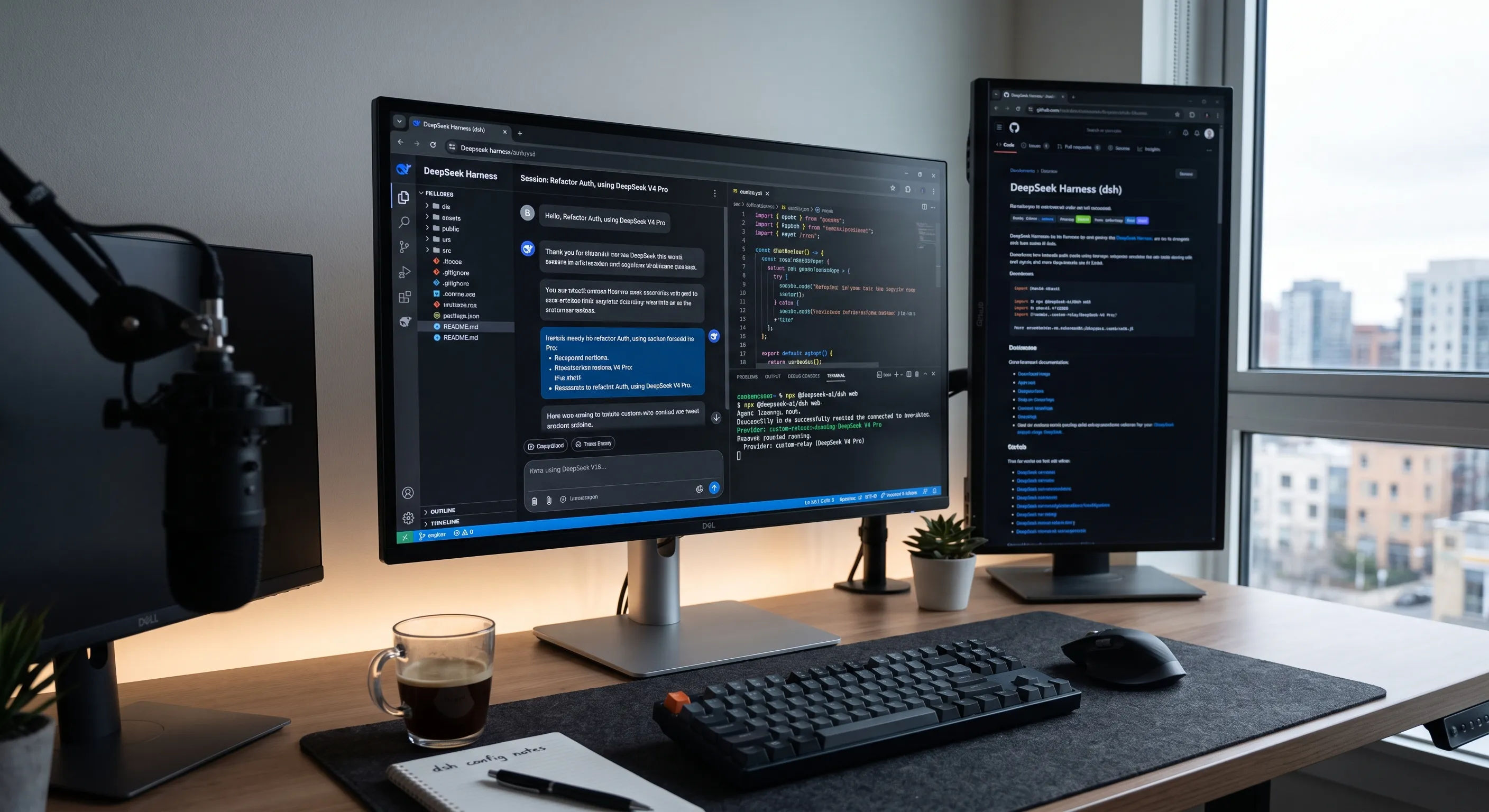
Most modern AI coding setups suffer from a fundamental design flaw: the user interface and the underlying language model are welded together.
When you subscribe to closed-garden coding assistants, your workspace, session logs, custom configurations, and daily workflow are hostage to that single platform. If subscription prices double, rate limits tighten, or the service goes down, your entire development momentum screeches to a halt.
DeepSeek Harness breaks that dependency entirely.
Built on an MIT license by DeepSeek AI, the Harness (dsh) is an open-source runtime engine that runs locally on your machine. It reads your codebase, edits files, executes terminal commands, and tracks multi-step build tasks. The model that fuels it is just a single endpoint string you can hot-swap in under ten seconds.
What Is DeepSeek Harness and Why Should You Decouple?
To build an efficient AI development environment, it helps to understand the relationship between the execution layer and the reasoning layer.
- The Agent Harness: Lives on your local storage. It manages workspace context, executes shell scripts, navigates directory trees, and applies plugins.
- The Foundation Model: The cloud API or local weights that process tokens and generate solutions.
When these two layers are decoupled, your development workflow remains consistent regardless of which provider powers your completions.
+-------------------------------------------------------------+
|                     DeepSeek Harness (dsh)                  |
|  - File Tree Access    - Shell Execution    - Plugin System |
|  - Session Memory      - Web Workspace      - Permission UI |
+-------------------------------------------------------------+
                               |
               [ OpenAI-Compatible API Endpoint ]
                               |
       +-----------------------+-----------------------+
       |                       |                       |
       v                       v                       v
[ Third-Party Relays ]   [ Official Direct API ]   [ Self-Hosted Weights ]
Key Advantages of a Decoupled Local Coding Agent
- Permanent Ownership: The interface, plugins, and custom routines belong to you forever.
- Cost Flexibility: Switch between free community endpoints, discounted off-peak commercial APIs, or local offline weights.
- Privacy Isolation: Keep sensitive business logic on self-hosted inference servers while routing generic tasks through cost-effective relays.
Step 1: Installing and Launching the Local Agent Harness
DeepSeek Harness runs natively via Node.js without requiring complex container setups.
System Prerequisites
- Node.js (Version 18.0 or higher)
- Standard Terminal or Bash shell
Run the harness directly using npx:
node -v
npx @deepseek-ai/dsh web
Once initialized, open your browser and navigate to http://127.0.0.1:3080 to access the interactive web interface.
Step 2: Connecting Model Providers (The Three Fuel Lines)
The true strength of the Harness lies in running multiple providers side-by-side. You can configure three distinct backends depending on your operational goals.
Option A: Refilling Relay Credits
For exploratory prototyping or budget-sensitive workflows, you can connect OpenAI-compatible credit relays.
- Navigate to Settings → Models → Add a Custom Provider.
- Enter the provider specifications:
- Provider ID:
custom_relay - Display Name:
Custom Relay - Base URL:
https://api.your-relay-domain.com/v1 - API Protocol:
openai-completions - API Key:
YOUR_ACCESS_KEY
- Provider ID:
- Click Fetch available models, select your target model (such as DeepSeek-V4-Pro), and save your settings.
Pro Tip: If your provider supports vision inputs but the harness blocks screenshot uploads, add manual multimodal support to
$DSH_HOME/settings.yaml:llm-pi-ai: providers: custom_relay: models: - id: custom-vision-model input: [text, image]
Option B: Official Direct API with Off-Peak Cost Optimization
For production work requiring low latency and guaranteed uptime, integrate directly with official model providers.
Official APIs often employ dynamic off-peak pricing schedules. Offsetting heavy batch operations, extensive refactors, and automated unit test cycles to non-peak windows cuts token costs significantly:
| Operational Window | Typical Schedule (UTC) | Relative Token Cost | Recommended Tasks |
|---|---|---|---|
| Off-Peak Hours | Evenings, Nights & Weekends | ~50% Discount | Large refactoring, test-suite runs, repo indexing |
| Peak Hours | Standard Weekday Business Hours | Standard Rate | Real-time interactive debugging, single-file edits |
Option C: Self-Hosted Open Weights
For air-gapped security, zero external data leakage, and compliance-driven codebases, run open weights on your own hardware or a dedicated GPU instance.
- Serve open models using inference engines like vLLM or Ollama.
- Point your harness
Base URLto your local endpoint (for example,http://localhost:8000/v1). - Enjoy unlimited completions with complete data privacy.
Essential CLI Commands and Configuration Best Practices
DeepSeek Harness is powered by the modular Cordis plugin architecture, giving you complete command over headless tasks and developer automation.
| Command | Purpose |
|---|---|
dsh --profile headless "..." | Automated script runs |
dsh web --port 8080 | Port remapping |
dsh web --no-open | Headless SSH instances |
dsh --dump-config | Debug runtime setup |
- Automate Headless Tasks: Run non-interactive code generation or refactoring tasks in continuous integration pipelines:
dsh --profile headless "Review changed files and write missing unit tests"- Host Over Remote SSH: Launch the web workspace on a cloud server without triggering a local browser window:
dsh web --port 8080 --no-open- Inject Environment Variables: Protect secrets by mapping runtime variables in your environment rather than storing plain text keys:
apiKeyEnv: PROD_MODEL_API_KEY- Backup Your Key Store: Your persistent API keys are saved locally in
$DSH_HOME/.credentials.yaml. Ensure this file is backed up and excluded from public version control.
Security Verification: How to Audit Third-Party Providers
When experimenting with external API proxies or community relays, verify the infrastructure before routing any code through the endpoint:
curl -s https://api.your-provider-domain.com/v1/models- Relay Fingerprints: If the response returns error signatures like
"type":"new_api_error", the service is a hosted open-source proxy panel. - Data Isolation: Never send proprietary business logic, secret tokens, or customer database schemas through public third-party relays.
- Key Separation: Never reuse your primary cloud production credentials on third-party aggregator sites.
Summary and Next Steps
Relying entirely on bundled AI subscriptions exposes your development pipeline to unexpected price increases, sudden model deprecations, and restrictive vendor lock-in.
By setting up DeepSeek Harness, you maintain full control over your agent runtime, your project session history, and your budget. You retain the freedom to run on free community credits, leverage discounted off-peak official APIs, or host your own private model weights whenever needed.
Related Reading
- Master AI Agents from Scratch: The Ultimate No-Framework Beginner’s Guide — Build a real AI agent from scratch with plain Python and OpenRouter.
- LiteLLM: The Ultimate Open-Source AI Gateway for 100+ LLMs — Route requests across 100+ LLM providers with a unified API.
- Ollama vs. vLLM: Which Local Inference Engine Reigns Supreme in 2026? — Compare the top local inference engines for self-hosted models.
- The Ultimate Local AI Stack: Building Your Sovereign Architecture (2026) — Design a complete sovereign AI infrastructure from scratch.
- Building Custom MCP Servers: The 2026 Guide — Extend your AI agent’s context with custom tool integrations.
- Local LLMs vs. Cloud: The 2026 Reality — When does self-hosted inference actually beat cloud APIs?
- The Chasing-Model Trap: Why Upgrading Your LLM Won’t Fix Bad Prompting — Stop wasting money on the newest LLM — prompt technique matters more.
- Zero-Trust AI: Securing Local LLMs and MCP Servers — Protect your local AI stack from prompt injection and data leakage.
- Small Language Models (SLMs) on the Edge — Run lightweight models on edge devices for offline-first workflows.